

Your AI Copilot for
3D Production
WorldEngen is the only AI-powered editor that goes beyond 3D assets to accelerate 3D production. It pairs the leading AI models with Blender, Unity, and Unreal Engine to help studios build production-ready scenes in hours, not weeks.
WorldEngen is where your AI, your tools, and your team work together to build worlds.
CENTRALIZED 3D INTELLIGENCE
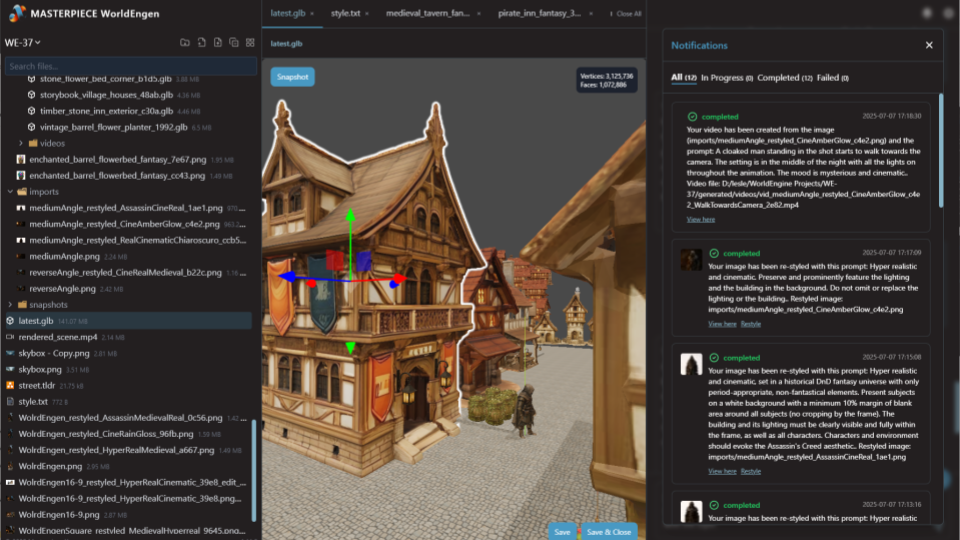
All your worldbuilding in one place
WorldEngen pulls your concept art, style guides, greyboxes, assets, and scenes together with its 3D agents in one editor, so everything that defines your world lives in a single place. Your team can fill out complex environments much faster and spend that energy on story, pacing, and game mechanics instead.

WORKS WITH YOUR EXISTING WORKFLOWS
Plugs into the tools you already use
WorldEngen plugs into Blender, Unity, Unreal, and your asset libraries so you can keep using the tools your team loves while AI quietly takes more work off their plate.
PEOPLE COLLABORATING WITH AI
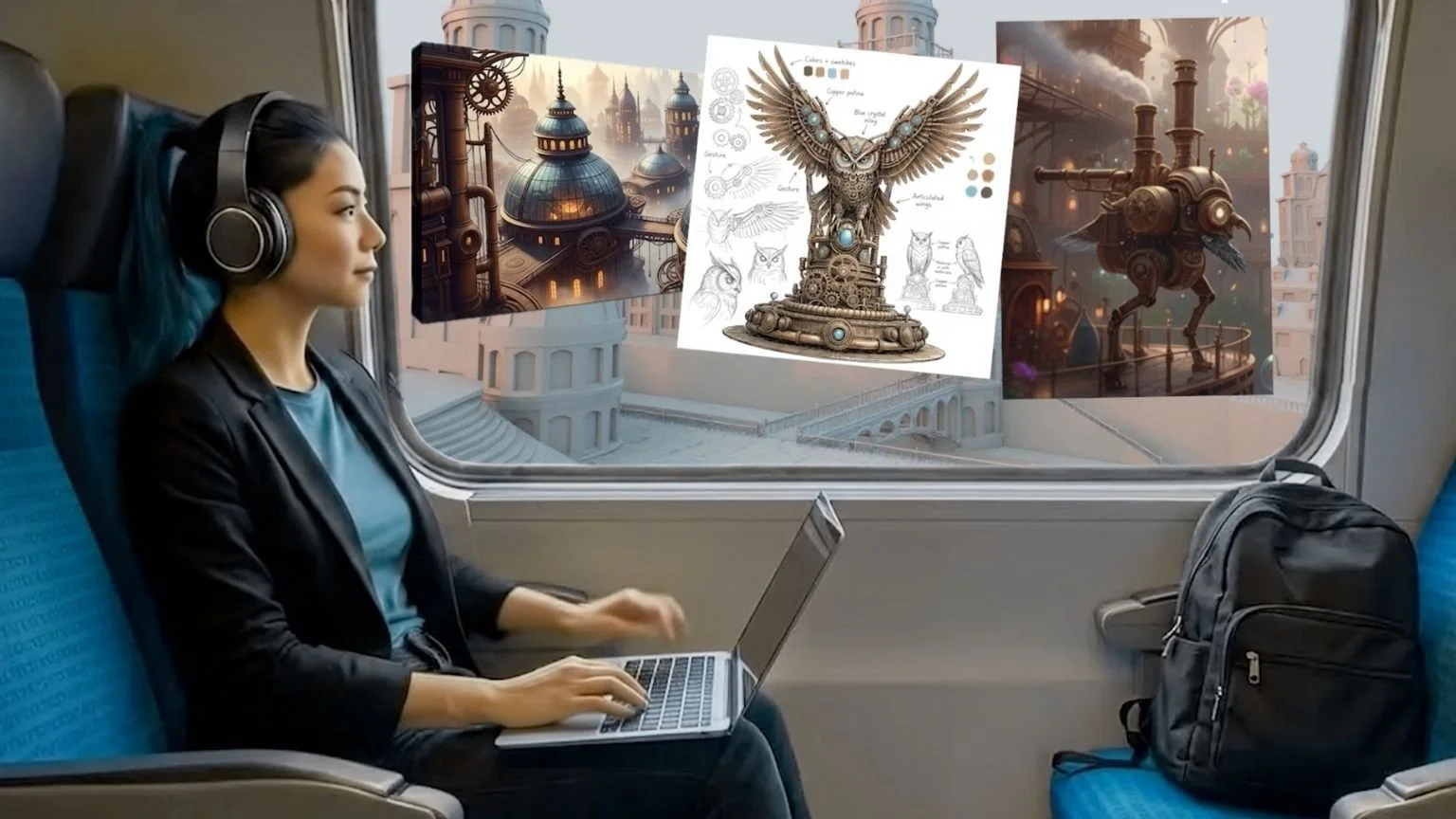
Direct your own AI 3D crew
Kick things off with a prompt, reference board, or half baked idea. WorldEngen’s agents brainstorm with you, then turn your direction into concept art, image kits, greyboxes, videos, 3D models, and style guides, pulling everything into a live scene you can keep shaping. You stay the director; the AI is your crew.
COST AND SPEED
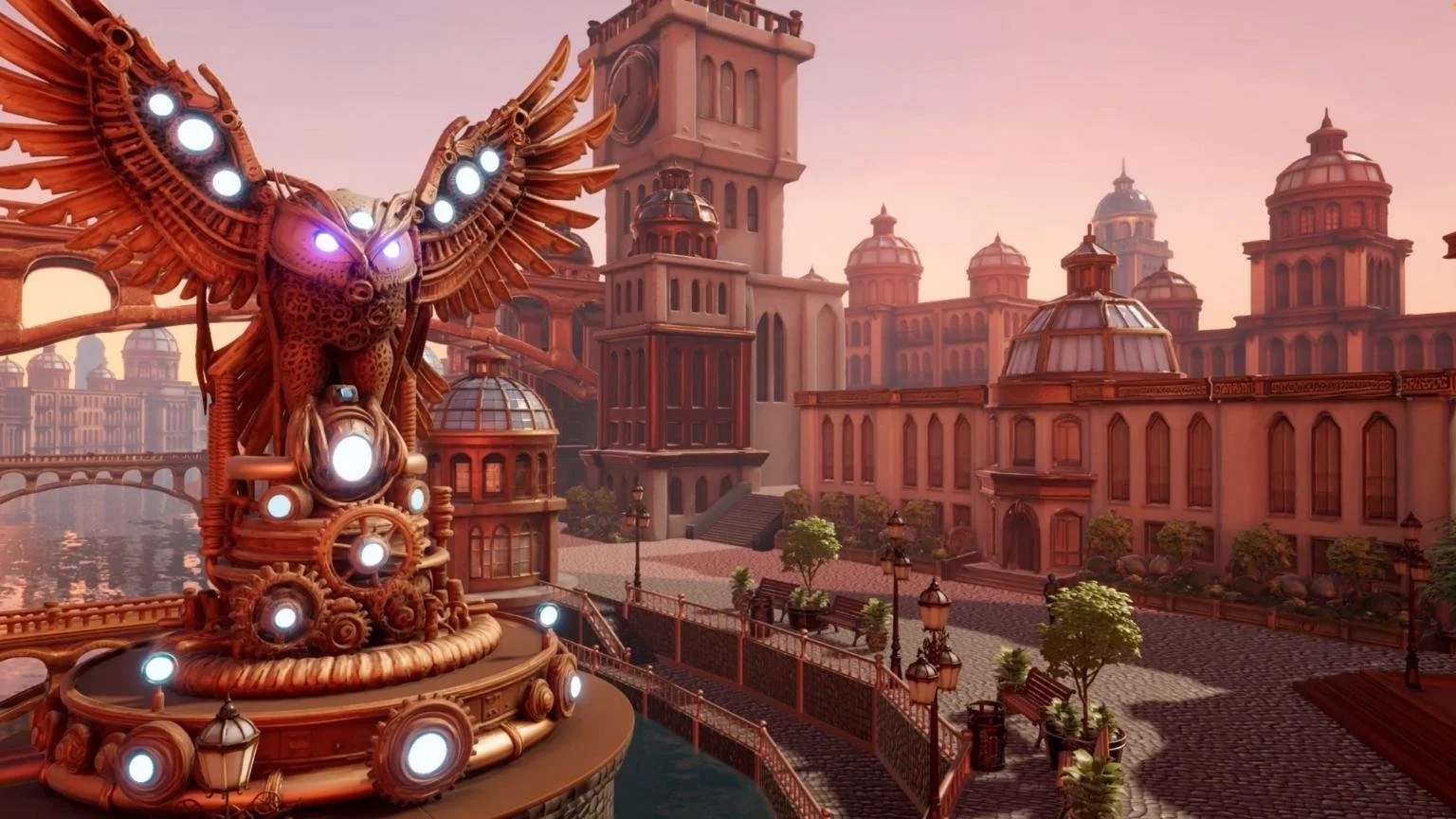
Ship more worlds in the same budget
By letting WorldEngen handle repetitive layout, set dressing, and asset work, your team gets scenes ready in a fraction of the time. That frees artists to focus on key moments while you stretch the same budget across more shots, levels, and episodes.
Benchmark
How much time can WorldEngen save on a typical hero scene?
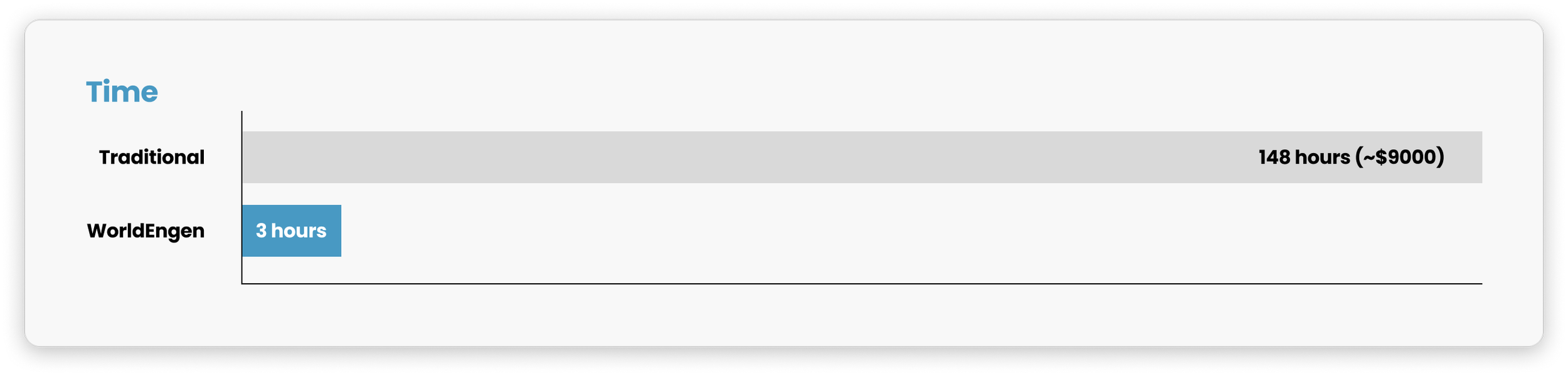
*Comparison based on the average time to complete concept art, greyboxing, kitbashing, 3D modeling and texturing, layout, and cinematic renders for a single environment.
How WorldEngen Works
-
1. Install Desktop App
Make sure you have the latest version of WorldEngen desktop application installed.
-
2. Launch & Pair
Open the desktop app and click the pair button to establish connection.
-
3. Start Creating
Once connected, you can start creating immersive 3D worlds directly in the desktop app.
Who It’s For
-
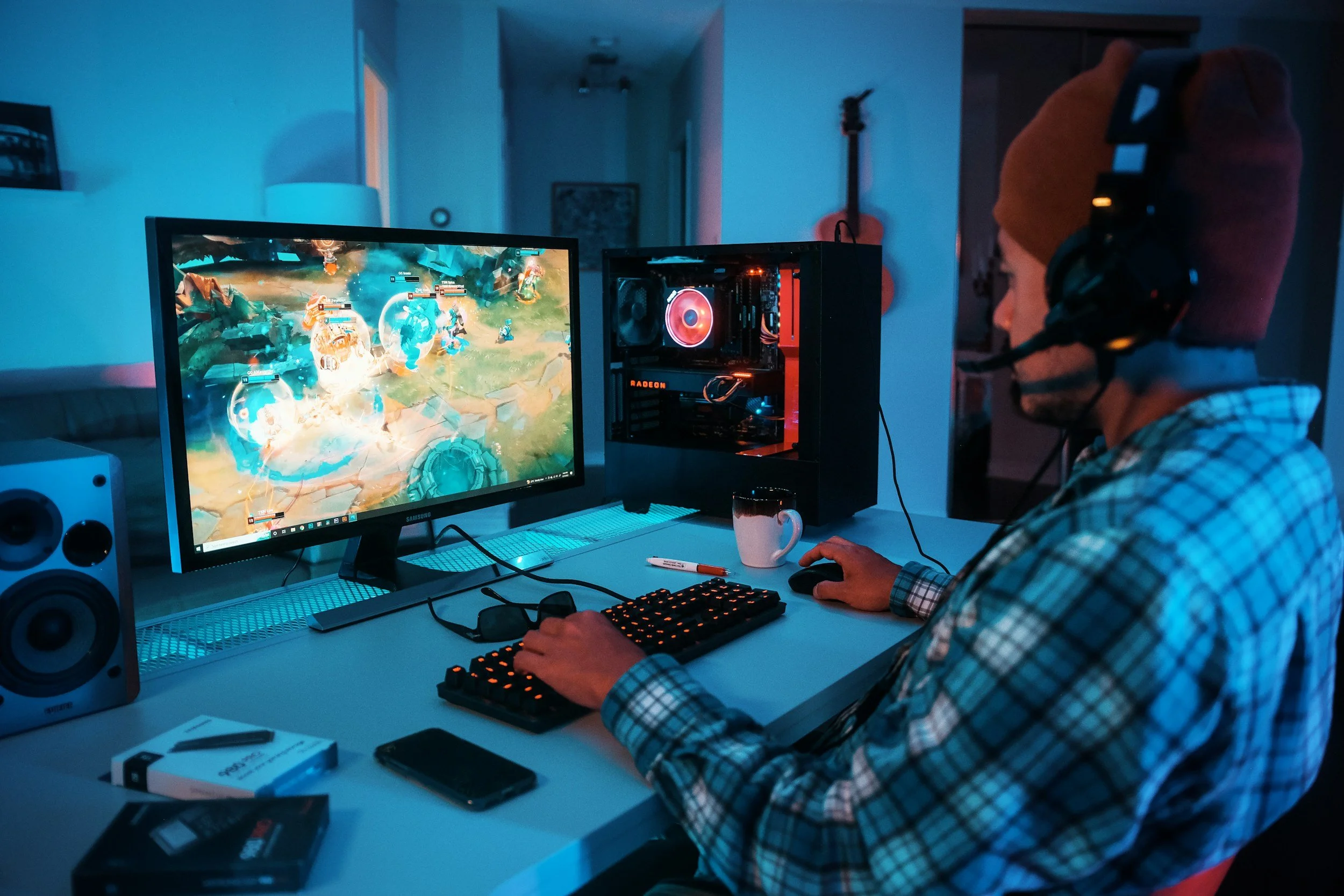
Games and Interactive Worlds
Block, dress, and iterate levels faster so you ship more builds.
-

Simulation and Training
Spin up realistic training environments quickly and keep them easy to update.
-
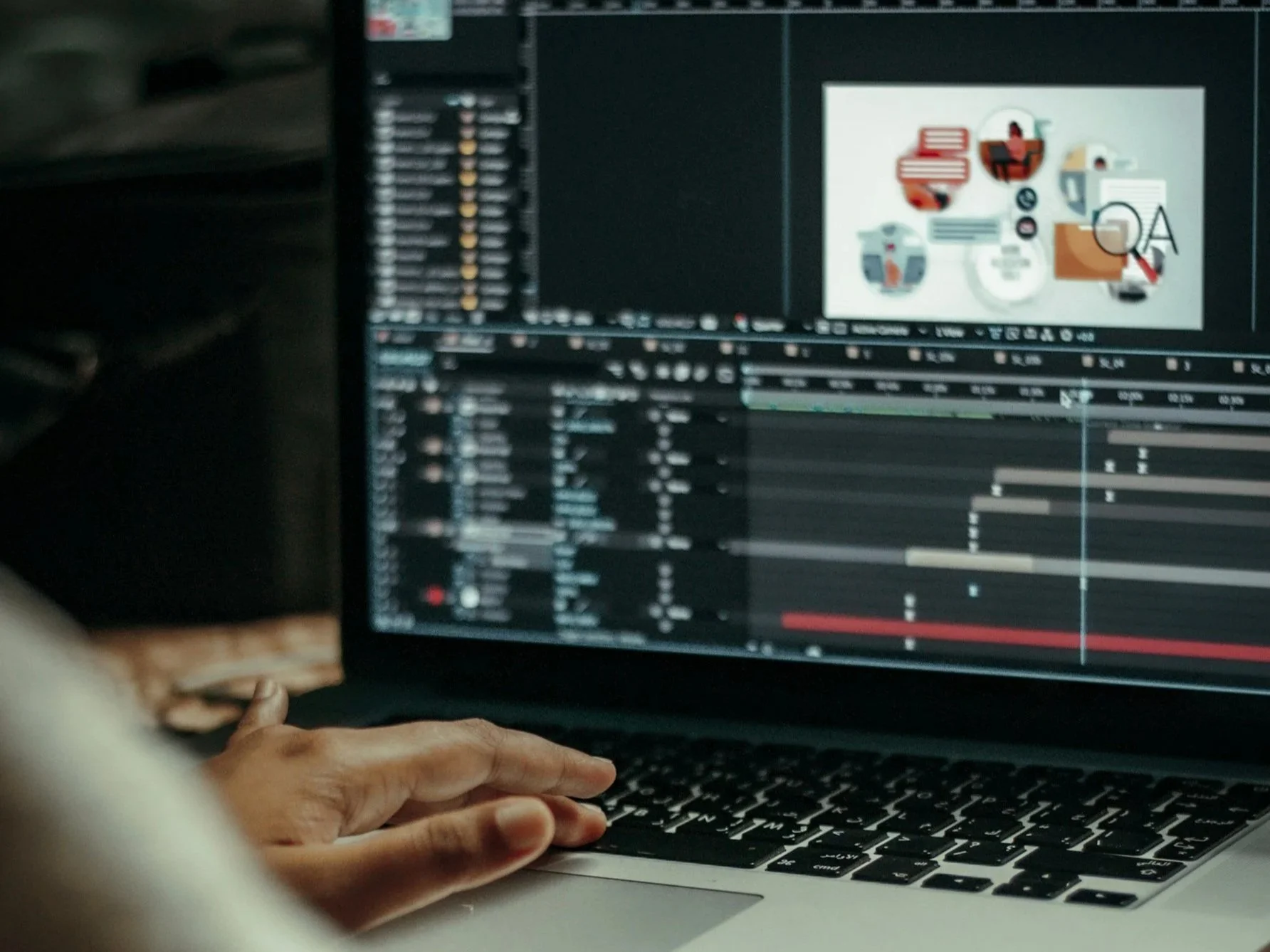
3D and Animation
Turn rough ideas into full scenes fast, so teams focus on performance and story.
-

Film, TV, and Cinematics
Move from script to shot ready environments in hours, not weeks.
Ready to upgrade your 3D world production workflow?
Featured By


